
Share 2FA codes.
Never the secrets.
OTP Vault lets your team share two-factor codes without exposing the underlying secrets. Everything is encrypted in your browser before it reaches the server.
Features
Built like a bank vault.
Feels like the apps you love.
We can't read your secrets
Your 2FA accounts are encrypted in your browser before they leave your device. Even if someone accessed the database, it would be useless.
Hidden by default, revealed on demand
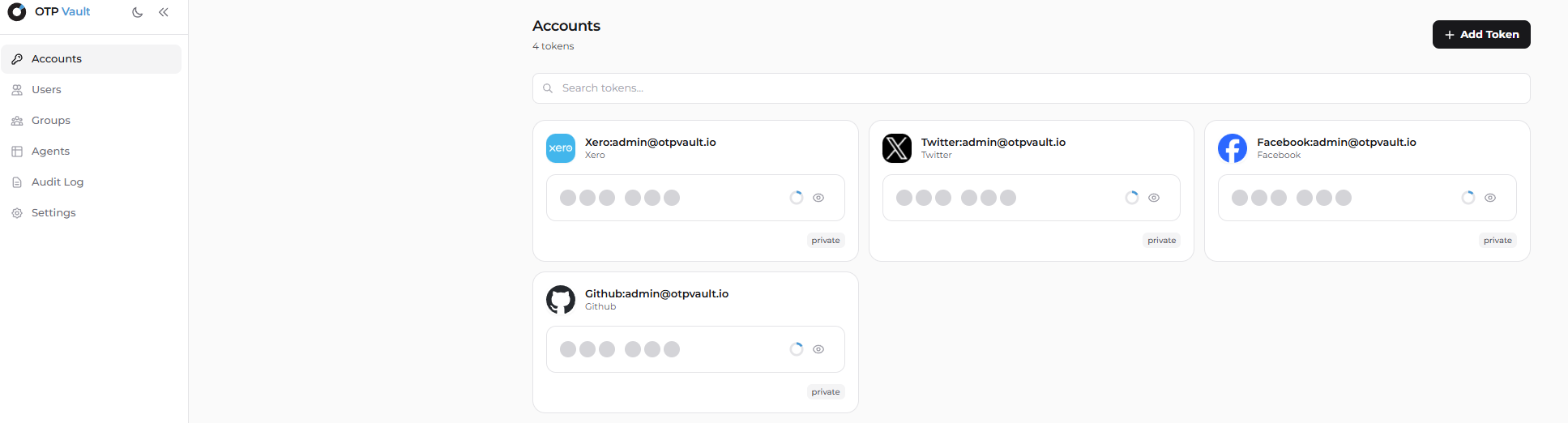
Codes stay masked until you explicitly tap to reveal or copy. Every reveal and copy is written to the audit log for compliance.
Share by team or project
Organize accounts by team, environment, or vendor. Each device gets its own securely wrapped key so access stays controlled.
Unique keys for every account
Each 2FA account gets its own encryption key, protected by your team's vault key. If one key is ever compromised, the rest stay safe.
Clear, tamper-evident audit log
Every reveal, copy, and access is recorded in a tamper-evident log. If someone tries to rewrite history, it shows up immediately.
Your own dedicated environment
Prefer full isolation? We build and deploy a dedicated OTP Vault environment for your company — separate infrastructure, your identity provider, your compliance boundary.
How it works
Four simple steps. The server never sees a thing.
We wrap each secret in multiple layers of encryption. Even a full database breach would reveal nothing useful.
Start using OTP Vault- 01
Add a 2FA account
In the browser, we create a unique key just for that account and lock the secret with it.
- 02
Lock it with your team's key
That account key is then encrypted with your team's vault key — which only lives on approved devices.
- 03
Store it encrypted
The server receives encrypted data only. No raw secret, no account key, no vault key. It stores what it cannot read.
- 04
Reveal or copy when needed
On an approved device, tap to reveal or copy the 6-digit code. Every action is logged for auditability, then keys are wiped from memory.
In use
Teams that stopped
pasting codes into Slack.
“We ripped a shared 2FA spreadsheet out of Notion the day we deployed this. Devs stopped complaining, security stopped losing sleep.”
“Hidden-by-default codes with a full reveal log are the killer feature. Nothing lingers on screen, and audit gets every action.”
“Team directory sync, a tamper-evident audit log, and our own dedicated environment. Our auditors literally said 'oh — good.'”
Ship it today
Stop sharing secrets in plain text.
Start today.
- Free for small teams
- Set up in minutes
- Dedicated environments available